Register New Account
Background
To begin using Gestalt PathCloud you will need a Google-based username and password. There are generally two types of Google-based:
- Gmail Login (eg janesmith123@gmail.com)
- Custom Domain Login - may be any domain set up with Google Workspace
note
If you do not have a Google-based username and password, you will have opportunity to sign-up for a new Google account during the registration process.
- Click "Sign-up" on top right corner of home page.

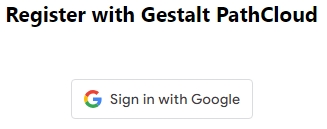
- Click "Sign in with Google" button.
important
By clicking this button you are agreeing to the Gestalt PathCloud Privacy Policy and Terms of Service
- Enter your Google Account Email address and click "Next".
note
If you do not have a Google account click "Create account" and follow instructions to create a new Google account.
- Enter your Google Account Password and click "Next".
- After your PathCloud account has been created you will see a dialog box similar to what is shown below.
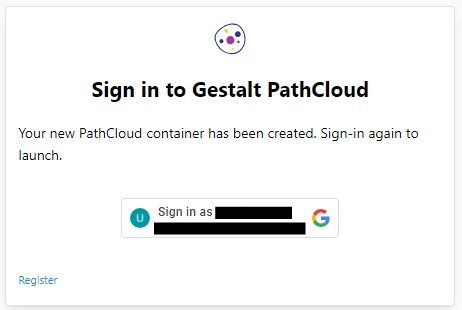
Click the button "Sign in as [User Name]" to proceed.
note
If you have used more than one Google account in your browser, you may need to click "Sign in as [User Name]", and then select the correct Google account.